Create Your Custom Scent Experience with ZUG MONSTER
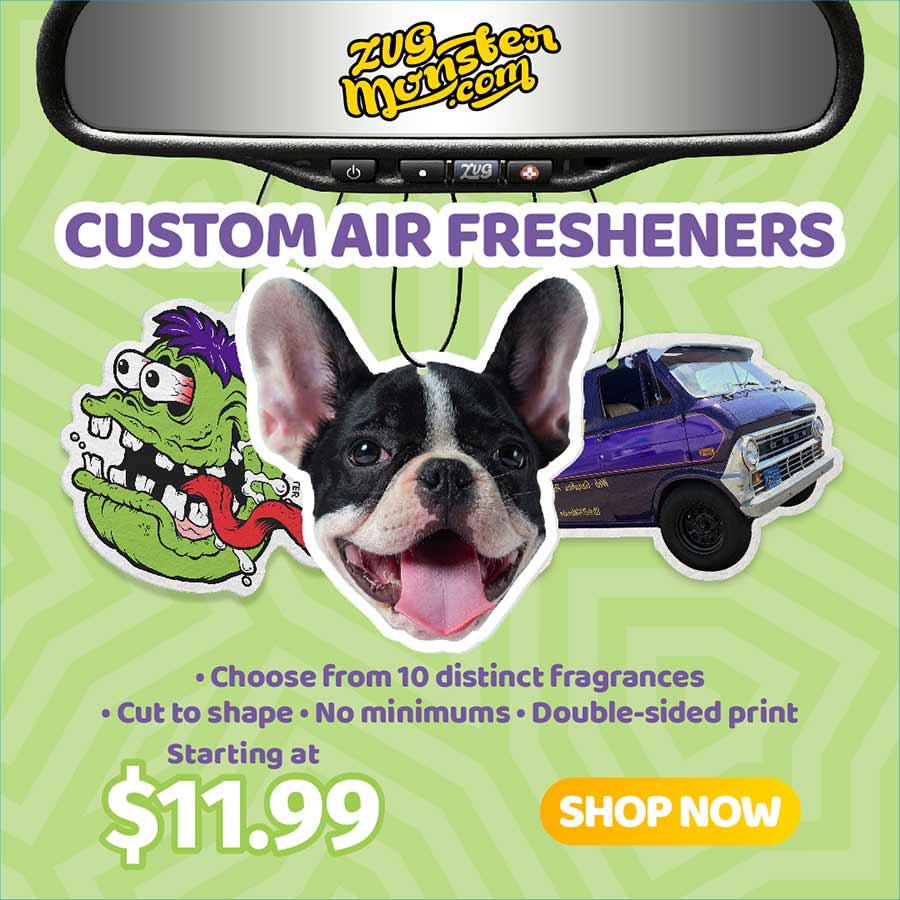
Are you ready to elevate your olfactory ambiance? ZUG MONSTER is thrilled to introduce a new option that lets you create b...
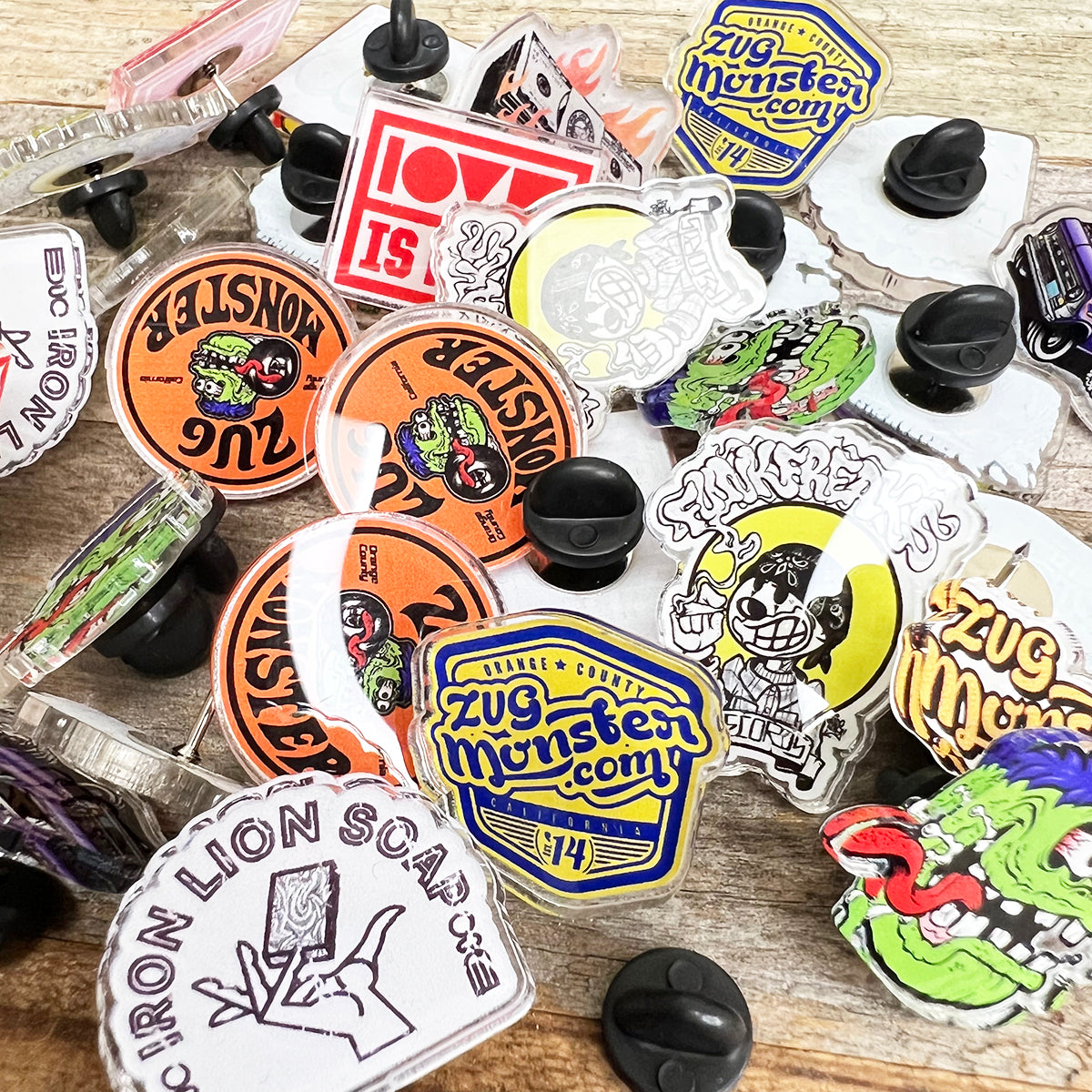
In today's competitive market, establishing a distinctive brand identity is more crucial than ever. Among the myriad promotional tools at your disposal, custom acrylic pins stand out as a versatile...
Feb 8, 2024
Weekly Newsletter
Join the ZUG Monster family to never miss a deal!
Please review and approve your artwork before continuing.
Upload Your Artwork
1Artwork Method
Drag & drop your artwork here
or click to browse files
PNG, JPG, PDF, AI, SVG, PSD accepted
filename.png
Generating preview…
Printing
Single sided
Front: Missing
Back: Missing
We'll email upload instructions after checkout.
Shape Die Cut
Shape
Die Cut
Cut Style
Cut Style
Background
Colors detected in your artwork
Tap a color to match your design exactly.
Clear Material
Adds white ink under artwork for vibrant colors on clear film.
Clear preview base toggle will activate once the aligned canvas is available.
Review
Size & Fit
Final print size:--" × --"
Fits within:
Print Quality
DPI Status:-- DPI
For best results we recommend 300 DPI.
Your file: -- DPI
Low resolution detected. Print may appear soft at this size.
REVERSE PRINT (INSIDE GLASS): Final print will be mirrored for inside application.
Print Guidelines
Trim(blue) — Final cut size
Bleed(red) — Artwork extends 0.125" past trim to prevent white edges
Safe(green) — Keep text and important elements inside this area
Text outside the safe area may be trimmed during production.
Final Approval
By approving, you confirm layout, cut line, size, and print quality as shown.
Size adjusted
--"
--"
Updating preview…
-- DPI
Resolution
For best results we recommend 300 DPI.
Your file: -- DPI
This file may print blurry. Consider uploading a larger image.
Cutline (not printed)
Uploads
Add your artwork
Drag & drop your artwork hereor click to browse filesPNG, JPG, WebP accepted
Uploaded artwork
0 assets
Your uploaded artwork will appear here.
Arrange
Tune placement and spacing
Auto-arrange packs items row by row from top-left. Use spacing and rotation controls to optimize your layout.
Auto arrange
Repacks all placed items row by row. "+Rotate" may turn items 90° if it helps fit more.
Reset re-places all items using auto arrange. Clear removes everything.
Sheet
Production sheet details
The builder reads the selected product variant when possible, then falls back to the section defaults for this prototype.
Selected variantWaiting for variant
Sheet size22 × 24 in
Printable area22 × 24 in
Spacing / gutter0.25 in
Review
Review your gang sheet
Confirm your layout, print quality, and sheet usage before adding to cart.
Summary
Sheet size—
Total copies0
Placed artworks0
Sheet usage0%
Effective DPI (lowest)—
Print check
Looks good for print
Production notes
Artwork is inside the printable area.
Layout will be printed exactly as shown.
Review size and placement before approving.
Gang sheet preview22 × 24 in sheet
No artwork selected
Upload artwork, set copies, and the builder will place them onto the sheet here.
How many copies?
Selected DPIWaiting for selection
Placed artworks0
Total copies0
Sheet usage0%
WarningsClear
Background
Set up artwork
1 of 1
Processing artwork…0%
Print size
Artwork enhancements
Remove backgroundBest for photos or artwork with unwanted white/background areas
AI UpscaleOptimizes artwork for cleaner print quality



 Shape
Shape
 Cut Style