die cut stickers for laptops

Durable Die Cut Stickers for Laptops and Devices

Create durable die cut stickers for laptops, tablets, water bottles, cases, and devices. Great for artists, brands, schools, teams, and event merch.
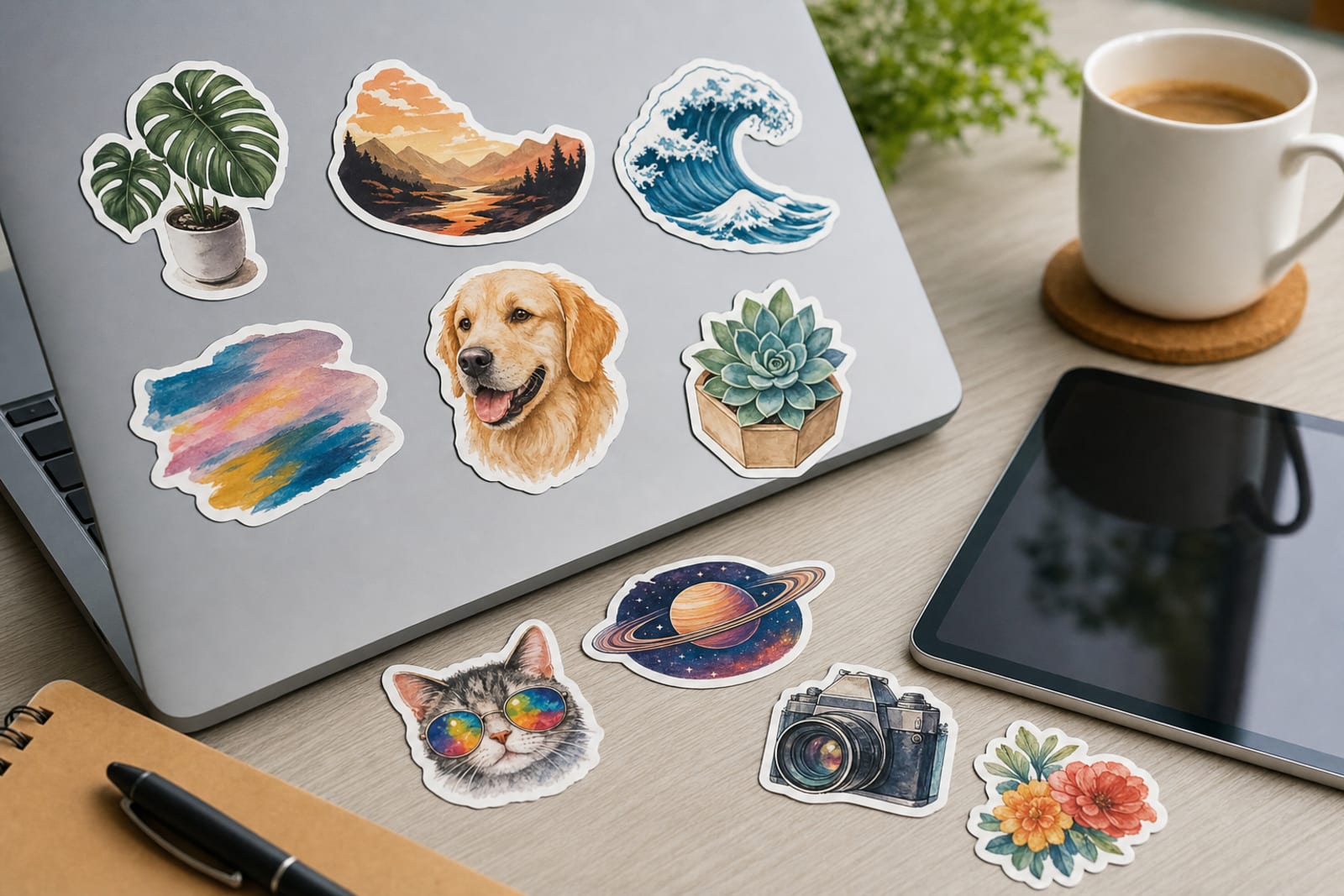
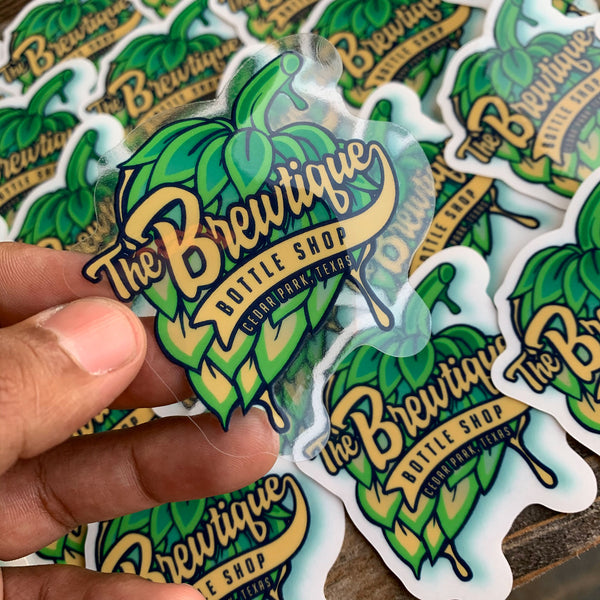
die cut stickers for laptops product photography
  • Fast online proofing
  • Durable materials
  • Easy reorders
  • Small business friendly

custom-cut decals For Laptops deserve more than a generic sales page because the use case has its own surfaces, pacing, and buyer expectations.

For artists, brands, creators, schools, tech teams, event organizers, merch sellers, and small businesses, the useful question is where contour-cut stickers for laptops will prove their value first: surfaces, giveaways, or brand visibility. This page treats the order as a working brand asset, so material, finish, size, and related product choices are judged by how they perform in that setting.

Use the deeper notes below to compare materials, finish, quantity, internal product paths, and the small mistakes that tend to show up only after an order is in use.

Use Case Tips

  • Choose a size based on where the sticker will live: 2 to 2.5 inches for subtle corner placement 3 inches for general laptop use and 4 inches or more for statement artwork.
  • Design the sticker as something people want to display not just a logo. Mascots icons witty phrases illustrated badges and community references usually perform better on laptops.
  • Avoid ultra-thin cut shapes with fragile points. Slightly smoother outside contours make stickers easier to peel apply and handle.
  • If selling stickers online photograph them near real devices notebooks and desk items so customers can understand scale quickly.
  • For tech teams or conferences create a design that feels collectible and community-driven rather than overly sales-focused.
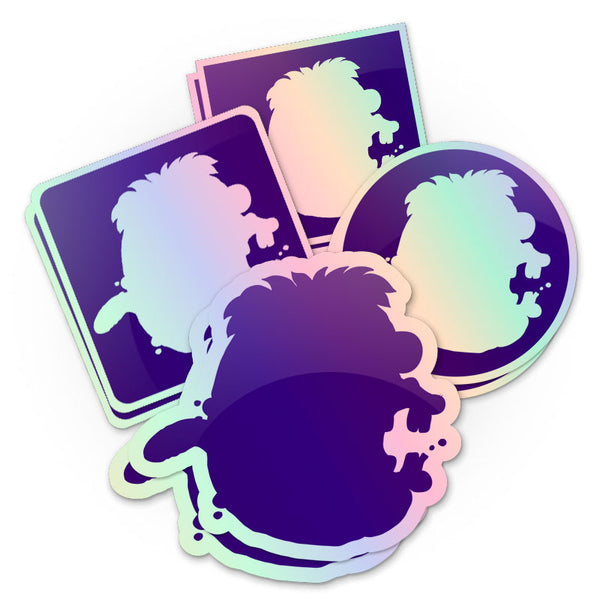
  • Use sticker sheets when you want to include multiple small elements such as a logo mascot icons keyboard-sized accents and decorative shapes.
  • Test your design at actual print size before ordering. If it is hard to read on your screen at 3 inches wide it may be hard to read on a laptop too.

Why customers love these

Custom-shaped edges make laptop artwork look polished, intentional, and more collectible than standard rectangles.

Durable sticker options are suitable for laptops, tablets, cases, notebooks, water bottles, and everyday gear.

Easy to sell, ship, bundle, or hand out at events without taking up much storage space.

Works for many audiences, including artists, tech teams, schools, clubs, creators, and merch brands.

Multiple finish options let you match the sticker to the design style, from clean matte to eye-catching holographic or chrome.

Strong add-on product for ecommerce orders, convention tables, launch kits, welcome packs, and promotional campaigns.

Great for community-building because laptop stickers let customers, fans, employees, and students visibly show what they support.

Adds practical ordering context for custom-cut decals for laptops, including surfaces, finish tradeoffs, and how the piece supports laptops.

Helps buyers compare the primary format with related options instead of relying on a one-size-fits-all recommendation.

Supports stronger internal linking by connecting this use case to nearby materials, workflows, and product formats.

Gallery

Frequently asked questions

Are custom-cut decals good for laptops?
Yes. contour-cut stickers are one of the best formats for laptops because they are shaped around the artwork instead of being limited to a basic square or circle. That custom shape makes logos, characters, icons, and illustrations look cleaner on laptop lids and cases. They are also easy to hand out, sell, ship, or include in merch bundles. For best results, choose artwork with a strong silhouette, readable details, and enough contrast to stand out on common laptop colors like silver, black, gray, and white.
What size should I order for laptop stickers?
Most laptop stickers work well between 2.5 and 4 inches on the longest side. A 2 to 2.5 inch sticker is great for small icons, subtle logos, or corner placement. Around 3 inches is a versatile size for many designs because it is visible without overwhelming the laptop. Larger 4 to 5 inch stickers are best for bold illustrations, statement graphics, band merch, esports logos, or designs meant to be the centerpiece of a laptop lid. If your artwork has small text or lots of detail, sizing up can help it stay readable.
What kind of artwork works best for custom laptop stickers?
The strongest laptop sticker artwork is recognizable at a glance. Bold shapes, clear outlines, simple color blocking, strong contrast, and readable typography all help. Detailed art can work beautifully, but it may need a larger size or a simplified cutline so the finished sticker is easy to peel and apply. If your design includes a mascot, logo, or phrase, view it at the final printed size before ordering. If it looks crowded or hard to read, simplify the layout or increase the sticker size.
Should I choose matte, glossy, clear, holographic, or chrome stickers for laptops?
Choose the finish based on the style of your design. Matte is great for a modern, understated look and works well for minimalist logos, design brands, and clean illustrations. Glossy makes color feel bright and energetic. Clear stickers are best for subtle designs where the laptop or case color is intended to show through. Holographic stickers are excellent for eye-catching art, gaming designs, fantasy themes, creator drops, and limited editions. Chrome stickers create a metallic, high-impact look that fits tech, streetwear, automotive-inspired, or premium graphic styles.
Can I use the same sticker design on tablets, phone cases, water bottles, and notebooks?
Often, yes. A well-designed die cut sticker can work across laptops, tablets, hard cases, notebooks, water bottles, sketchbooks, storage cases, and other smooth surfaces. The main thing to consider is scale. A sticker that looks perfect on a laptop may feel too large for a phone case or too small for a water bottle. If you want one design to work in many places, a medium size around 3 inches is usually a flexible starting point. For a wider range, you can create multiple sizes or build a sticker sheet with several elements.
Are laptop stickers a good merch item for artists and creators?
Absolutely. Laptop stickers are affordable, lightweight, easy to display at a booth, simple to ship, and popular as add-ons in online orders. They let fans support your work without committing to a higher-priced item. For artists, a strong die cut sticker can feature a character, mini print-style illustration, logo, phrase, or themed icon. Many creators build small sticker collections so customers can mix designs or decorate multiple devices. Pairing stickers with acrylic charms, prints, or magnets can also create stronger merch bundles.
How can brands make laptop stickers people actually want to use?
Think beyond placing a large logo on a sticker. People usually put stickers on laptops because the design says something about their identity, humor, interests, team, or community. A brand sticker is more likely to get used when it feels clever, well-designed, collectible, or visually appealing on its own. Consider using a mascot, badge, icon, internal phrase, event theme, or design tied to your audience’s culture. For software teams, developer communities, schools, and clubs, the most effective laptop stickers often feel like membership signals rather than traditional ads.
How should buyers choose a finish for individual sticker pieces for laptops?
Start with the environment and the brand mood. Matte works well when the piece should feel calm, handmade, premium, or editorial. Gloss can make color feel brighter on water bottles. Clear materials help when the package or container should remain visible. Specialty effects such as holographic or chrome are better for moments where motion, collectability, or retail attention matters. The finish should support the use case, not distract from the information or artwork.
What should artists, brands, creators, schools, tech teams, event organizers, merch sellers, and small businesses check before reordering?
Look at one finished example in its real setting. Check whether the size reads clearly, whether the material still looks right after handling, whether staff can apply it consistently, and whether customers understand the intended action. If the piece supports notebooks, review photos, packing speed, leftover inventory, and any customer feedback before increasing the next batch.
Can cut-to-shape stickers for laptops support more than one customer touchpoint?
Yes, but the order should separate roles. One version can handle everyday use, another can support a launch, event, or premium bundle, and a related product can cover a second surface or handout. Keeping those roles distinct prevents the design from trying to do too much at once.

Ready to create custom stickers for your business?

Start Your Sticker Order