


die cut stickers for laptops
Durable Die Cut Stickers for Laptops and Devices
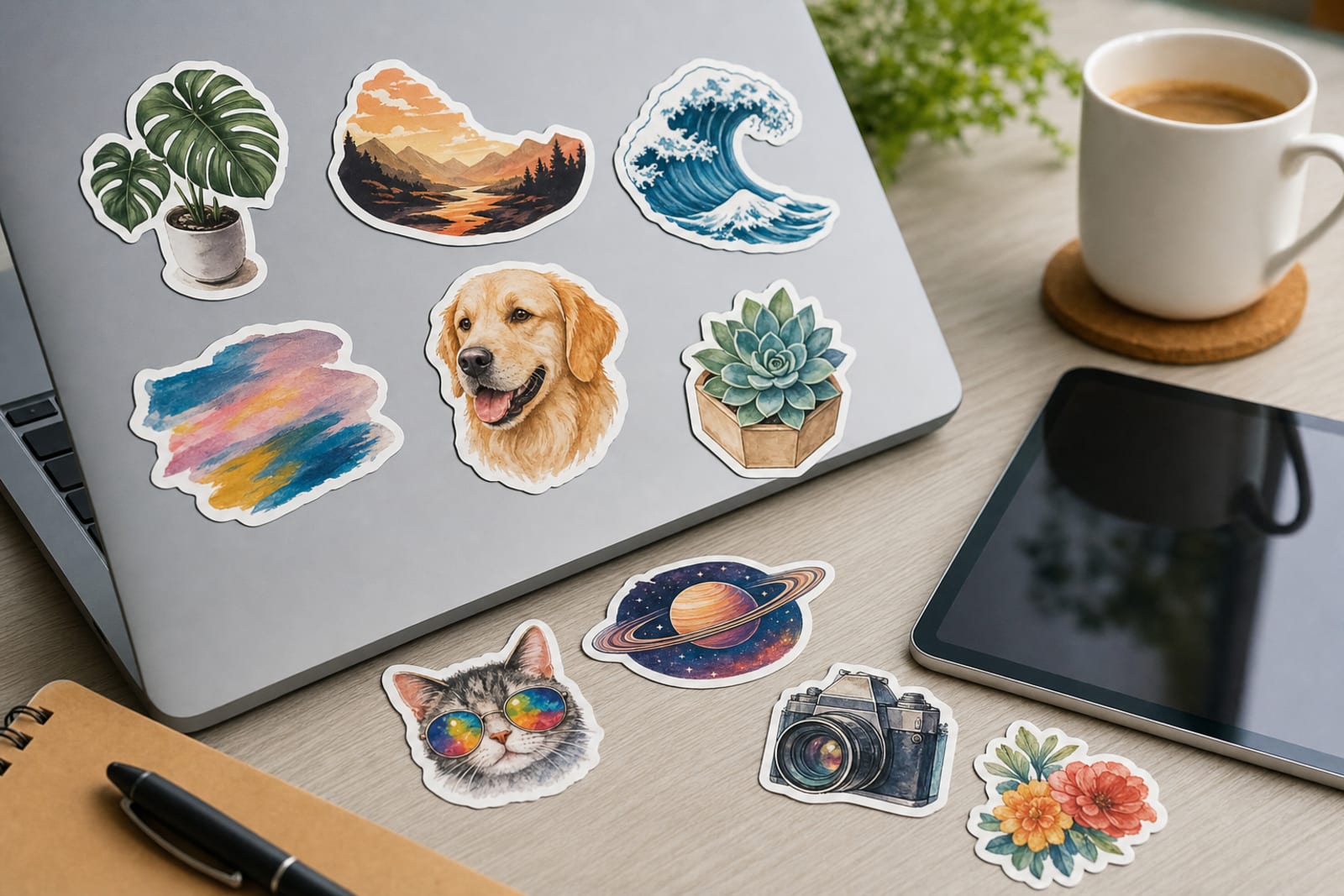
Create durable die cut stickers for laptops, tablets, water bottles, cases, and devices. Great for artists, brands, schools, teams, and event merch.
- Fast online proofing
- Durable materials
- Easy reorders
- Small business friendly


Recommended products
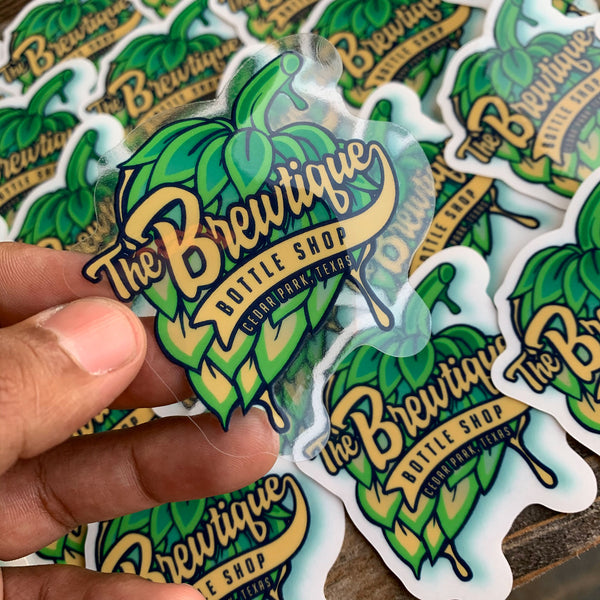

custom-cut decals For Laptops deserve more than a generic sales page because the use case has its own surfaces, pacing, and buyer expectations.
For artists, brands, creators, schools, tech teams, event organizers, merch sellers, and small businesses, the useful question is where contour-cut stickers for laptops will prove their value first: surfaces, giveaways, or brand visibility. This page treats the order as a working brand asset, so material, finish, size, and related product choices are judged by how they perform in that setting.
Use the deeper notes below to compare materials, finish, quantity, internal product paths, and the small mistakes that tend to show up only after an order is in use.
Use Case Tips
- Choose a size based on where the sticker will live: 2 to 2.5 inches for subtle corner placement 3 inches for general laptop use and 4 inches or more for statement artwork.
- Design the sticker as something people want to display not just a logo. Mascots icons witty phrases illustrated badges and community references usually perform better on laptops.
- Avoid ultra-thin cut shapes with fragile points. Slightly smoother outside contours make stickers easier to peel apply and handle.
- If selling stickers online photograph them near real devices notebooks and desk items so customers can understand scale quickly.
- For tech teams or conferences create a design that feels collectible and community-driven rather than overly sales-focused.
- Use sticker sheets when you want to include multiple small elements such as a logo mascot icons keyboard-sized accents and decorative shapes.
- Test your design at actual print size before ordering. If it is hard to read on your screen at 3 inches wide it may be hard to read on a laptop too.
Why customers love these
Custom-shaped edges make laptop artwork look polished, intentional, and more collectible than standard rectangles.
Durable sticker options are suitable for laptops, tablets, cases, notebooks, water bottles, and everyday gear.
Easy to sell, ship, bundle, or hand out at events without taking up much storage space.
Works for many audiences, including artists, tech teams, schools, clubs, creators, and merch brands.
Multiple finish options let you match the sticker to the design style, from clean matte to eye-catching holographic or chrome.
Strong add-on product for ecommerce orders, convention tables, launch kits, welcome packs, and promotional campaigns.
Great for community-building because laptop stickers let customers, fans, employees, and students visibly show what they support.
Adds practical ordering context for custom-cut decals for laptops, including surfaces, finish tradeoffs, and how the piece supports laptops.
Helps buyers compare the primary format with related options instead of relying on a one-size-fits-all recommendation.
Supports stronger internal linking by connecting this use case to nearby materials, workflows, and product formats.
Gallery


Frequently asked questions
Are custom-cut decals good for laptops?
What size should I order for laptop stickers?
What kind of artwork works best for custom laptop stickers?
Should I choose matte, glossy, clear, holographic, or chrome stickers for laptops?
Can I use the same sticker design on tablets, phone cases, water bottles, and notebooks?
Are laptop stickers a good merch item for artists and creators?
How can brands make laptop stickers people actually want to use?
How should buyers choose a finish for individual sticker pieces for laptops?
What should artists, brands, creators, schools, tech teams, event organizers, merch sellers, and small businesses check before reordering?
Can cut-to-shape stickers for laptops support more than one customer touchpoint?
Ready to create custom stickers for your business?
Start Your Sticker Order Shape
Shape
 Cut Style