



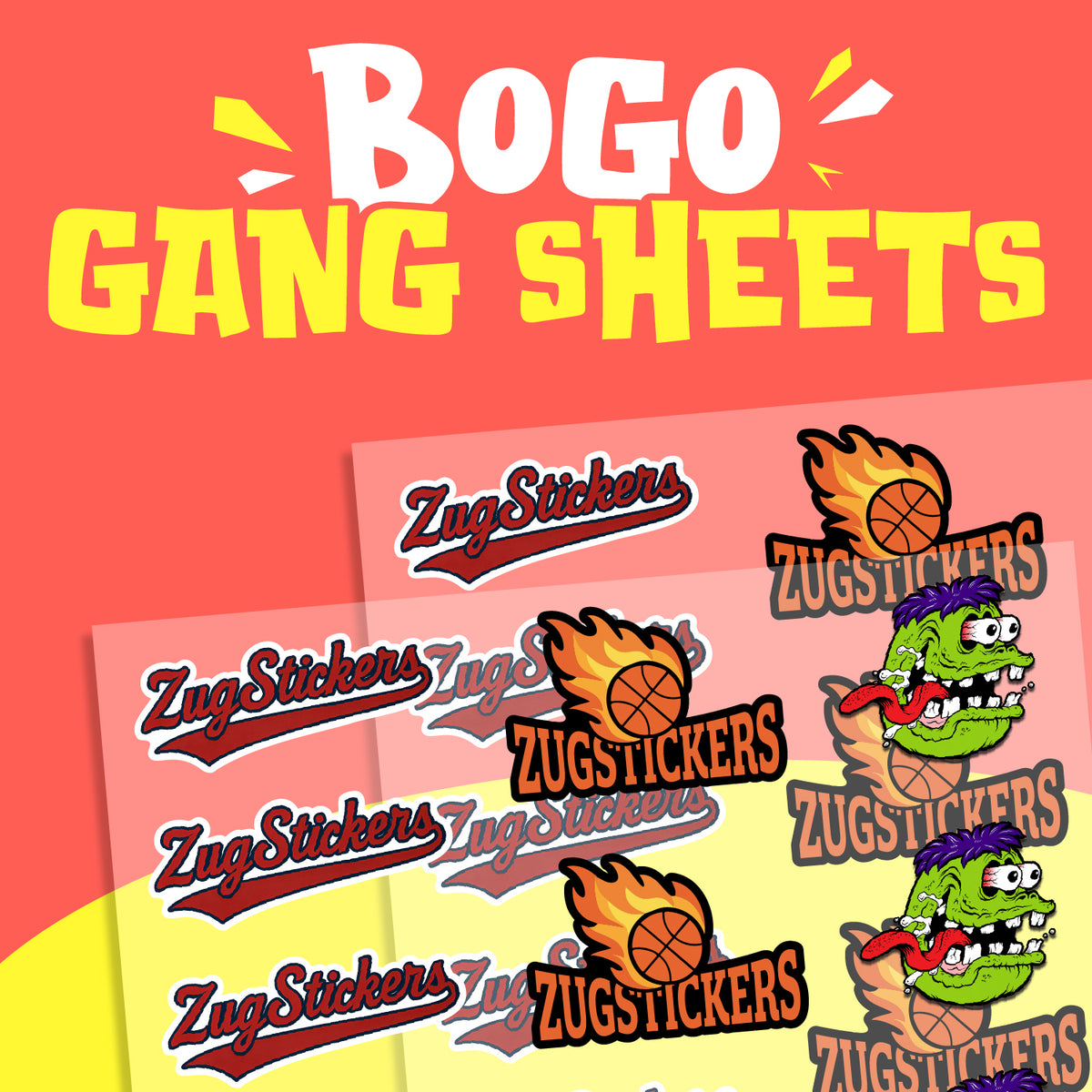

BOGO Gang Sheet Transfers
10–14 Business Days After Proof Approval
Product Details
Description
Create Your Own DTF Gang Sheet
Building your custom DTF gang sheet is easy with ZUG Monster's built-in Gang Sheet Builder. Arrange multiple designs on one sheet and maximize your printing space without needing separate design software.
How to Get Started
- Select Your Sheet Size: Choose your preferred gang sheet dimensions from the product options above.
- Open the Gang Sheet Builder: Once you've selected your size, use our built-in builder to create your layout.
- Upload & Arrange Your Designs: Add your logos, graphics, neck tags, pocket prints, and other artwork. Resize and position your designs within the selected sheet dimensions.
- Fill Your Sheet: Make the most of your available printing space by arranging as many designs as you can fit.
- Complete Your Order: Review your finished layout and add your gang sheet to your cart.
BOGO BONUS: We'll produce two identical copies of your completed gang sheet layout for the price of one!
Important: You must select your sheet size before using the Gang Sheet Builder. Each cart item contains one unique gang sheet design. To order different layouts, create and add each one separately.
Artwork Requirements
For the best DTF printing results, we recommend high-resolution artwork at 300 DPI at its intended print size. Your designs should have transparent backgrounds and clean, sharp edges without unwanted shadows or blurry outlines.
Our built-in builder helps you arrange your artwork, but your uploaded designs should still be prepared for printing. See the File Setup & Templates accordion for additional artwork requirements.
How Production Works
Shipping, Returns & Reprints
Materials & Finishes
Proofing & Color
RGB vs CMYK Colors
You may also like
 Shape
 Cut Style